Visitors leaving your website after just a few seconds? Struggling to turn traffic into real inquiries or sales? Many small business owners face these problems when their websites start to look outdated, load slowly, or confuse visitors. An old or cluttered site can quietly cost you opportunities every day.
Why Small Businesses Need a Website Redesign
Websites are more than digital brochures. They are often the first point of contact with potential customers. If your site looks neglected, is hard to use on a phone, or loads slowly, visitors may move on to a competitor. A website redesign is not just about a fresh look. It’s about solving real business problems: low conversion rates, poor search rankings, and a lack of trust from visitors.
Recognizing When a Redesign Is Needed
Many small businesses wait too long before updating their websites. Here are some clear signs a redesign is overdue:
- Your website is not mobile-friendly or looks broken on phones and tablets.
- Navigation is confusing, with too many menu items or hidden pages.
- Pages load slowly, especially images or interactive elements.
- Your branding or messaging has changed, but your website hasn’t kept up.
- Competitors’ sites look more modern and are easier to use.
- Your site is hard to update, or you avoid making changes because it’s complicated.
- Analytics show high bounce rates or low engagement.
If any of these sound familiar, a redesign can help address the root problems.
Setting Clear Goals for Your Website Redesign
Before starting, define what you want to achieve. Common goals include:
- Improving user experience so visitors find what they need quickly
- Modernizing the design to match your brand and build trust
- Increasing leads, sales, or other conversions
- Making the site easier to update and maintain
- Improving search engine visibility
Write down your top priorities. These will guide every decision during the redesign process.
Key Website Redesign Strategies for Small Businesses
Redesigning a website is more than changing colors and fonts. Each step, from planning to launch, matters. Here’s what to focus on:
1. Audit Your Existing Website
Start with a thorough review. Check which pages get the most traffic, where users drop off, and which features are outdated or broken. Use analytics tools to identify patterns. Ask customers or staff for honest feedback on what frustrates them about the current site.
2. Prioritize User Experience Improvements
User experience is about how visitors interact with your website. Small changes can make a big difference:
- Simplify navigation. Limit the number of menu items and group related content.
- Use clear calls to action, such as “Book a Consultation” or “Request a Quote.”
- Make contact information easy to find on every page.
- Break up text with headings, bullet points, and short paragraphs.
- Test forms to make sure they work smoothly and don’t ask for unnecessary information.
Improving these areas helps visitors feel confident and reduces frustration.
3. Embrace Modern Website Design Tips
Modern design is not about flashy graphics. It’s about clarity, consistency, and accessibility. Consider these tips:
- Use plenty of white space to avoid clutter.
- Stick to a simple color palette that matches your brand.
- Choose readable fonts and keep sizes consistent.
- Use high-quality images and graphics, but compress them for fast loading.
- Make sure buttons and links are easy to spot and tap, especially on mobile devices.
Responsive design is essential. Your website should look and work well on phones, tablets, and desktops. Test layouts on different devices before launch.
4. Focus on Landing Pages That Convert
Landing pages are often where visitors decide to contact you or leave. Each landing page should have:
- A clear headline that matches what visitors are looking for
- Concise, benefit-focused content
- One main call to action, such as a contact form or booking button
- Trust signals, such as testimonials or recognizable client logos
- No unnecessary distractions or competing links
Review your most important landing pages and update them to match these guidelines.
5. Improve Website Speed and Performance
Slow websites turn visitors away. Simple ways to improve speed include:
- Compressing images before uploading
- Minimizing the number of plugins or third-party scripts
- Using a reliable hosting provider
- Enabling browser caching
Test your site’s speed with free online tools. Aim for pages to load in under three seconds.
6. Strengthen SEO Fundamentals
Redesigning your website is a good time to address search engine basics. Make sure:
- Each page has a unique, descriptive title and meta description
- URLs are short and easy to read
- Headings use a logical structure (H2s, H3s, etc.)
- Alt text describes each image
- Internal links connect related pages
Don’t forget to set up redirects for any old URLs that will change, so you don’t lose search traffic.
7. Make Content Easy to Update
Choose a content management system (CMS) that allows you or your team to make updates without technical help. WordPress is a popular choice for small businesses because it’s flexible and user-friendly. A good redesign project includes training so you feel confident updating content, adding blog posts, or changing images.
Common Mistakes to Avoid During a Website Redesign
- Ignoring mobile users: More than half of website visits come from phones. Always test on multiple devices.
- Overcomplicating navigation: Too many options can overwhelm visitors. Keep menus simple and logical.
- Neglecting speed: Fancy animations or large images can slow down your site.
- Forgetting about SEO: Changing URLs or removing pages without redirects can hurt your search rankings.
- Launching without testing: Always check forms, links, and layout before going live.
Each of these mistakes can undo the benefits of a redesign, so review your plans carefully.
How to Decide What to Change and What to Keep
Not everything needs to be rebuilt from scratch. Identify what works well on your current site. For example, if a particular service page brings in leads, keep its structure and content, but update the design. If certain blog posts get steady traffic, make sure they are easy to find in the new layout. Focus your redesign budget on the areas with the most impact, such as your homepage, key service pages, and contact forms.
Planning Your Website Redesign Project
A successful redesign follows a clear process:
- Set goals and priorities.
- Audit your current website, analytics, and customer feedback.
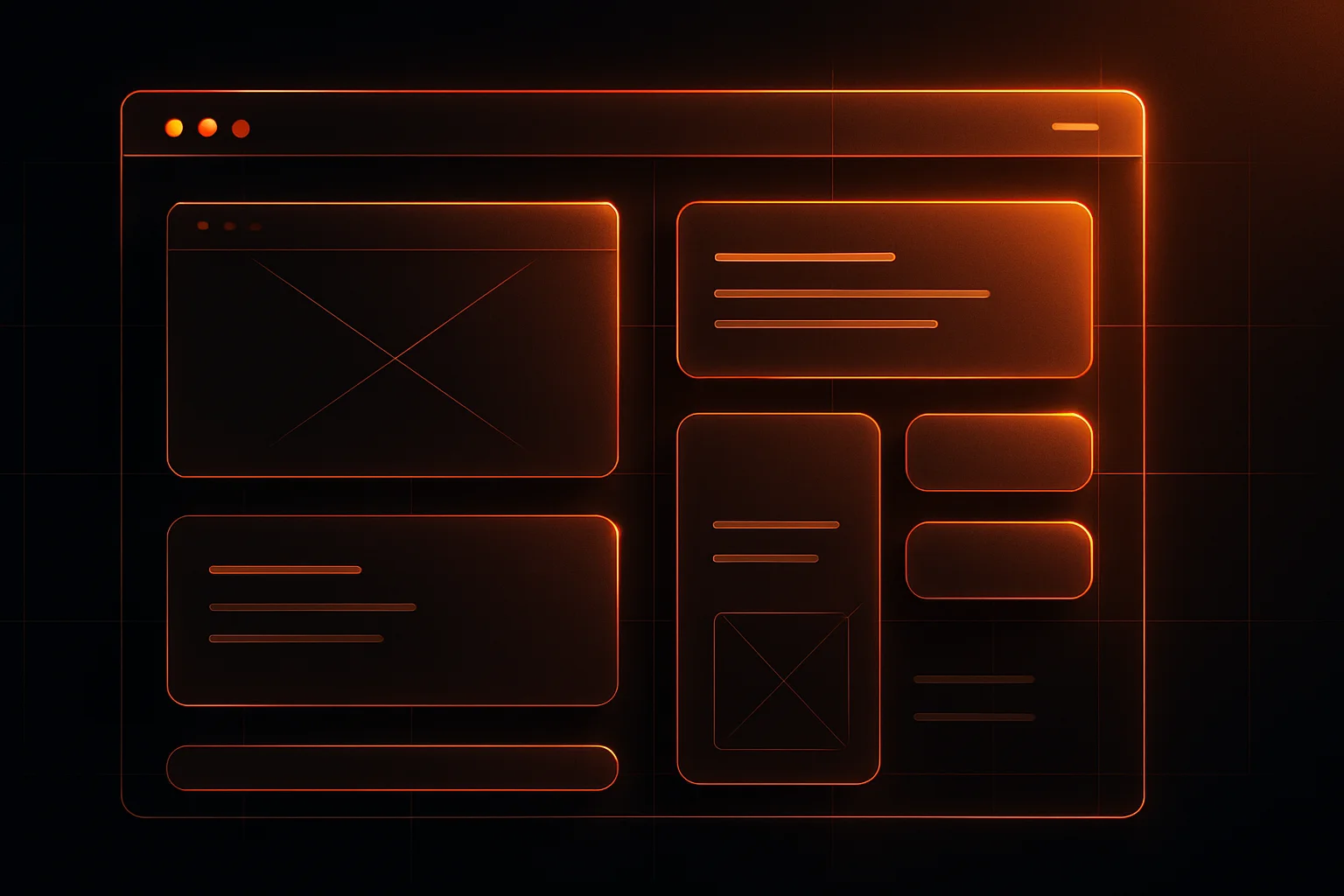
- Sketch new layouts or wireframes for key pages.
- Write or update content to match your brand and goals.
- Work with a professional web design team to build and test the new site.
- Review everything on desktop and mobile before launch.
- Announce the new site to your customers and update your online listings.
Timelines and costs depend on the size of your website and the complexity of features. Most small business redesigns take four to eight weeks from planning to launch.
Website Redesign Benefits for Small Businesses
Investing in a website redesign can bring measurable benefits:
- Higher engagement and lower bounce rates
- More inquiries, calls, or online sales
- Stronger brand perception and trust
- Better visibility in search results
- Easier updates and ongoing maintenance
These advantages can help your business stand out and connect with more customers.
Choosing the Right Web Design Partner
Not all web design agencies are the same. When comparing options, look for teams with experience in small business projects, a clear process, and a portfolio that matches your style. Ask about training, support, and how they handle updates after launch. Clear communication and realistic timelines are more valuable than flashy promises.
If you want to see how your business could benefit from a modern, user-focused website, consider starting with a consultation. WebVerse Solution’s web design services can help you review your current site and plan practical improvements for a stronger online presence.
FAQs
How often should a small business redesign its website?
Most small businesses benefit from a redesign every 2 to 4 years, or sooner if technology, branding, or customer expectations have changed significantly.
What is the most important part of a website redesign for small businesses?
Prioritizing user experience and making the site mobile-friendly are key. Clear navigation and fast loading times help visitors find information and take action.
Can I redesign my website without losing SEO rankings?
Yes, with careful planning. Keep important content, set up redirects for changed URLs, and maintain proper meta titles and descriptions during the transition.
How much does a small business website redesign typically cost?
Costs vary based on features and size. Simple redesigns may start under $2,000, while more complex projects with custom layouts or integrations can cost more.